
The DefIntoTheWild app
Offline navigation app: all our roadbooks in your pocket
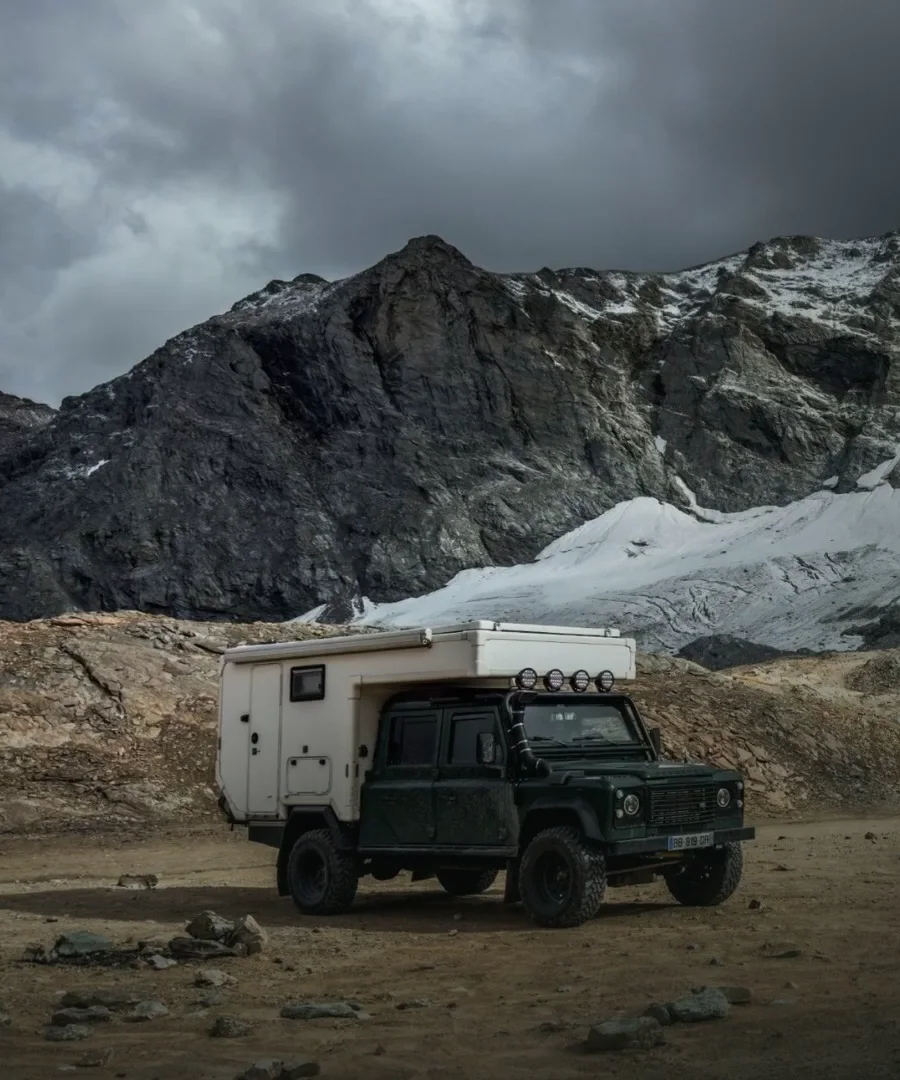
Hi, I’m Sophie. I built this offline navigation app myself, on board our Defender, for our 4×4 trips with Julien and Pixie. Today all our roadbooks live in it: the roadbook stage by stage, the track with your live position, the waypoints along the off road trails, and all of it even with no signal. It’s free on iPhone, iPad and Android. In the video, we show you how it all works.


Already ordered a roadbook? You’ll find it in the app, without spending a single cent more. Let me show you ↓
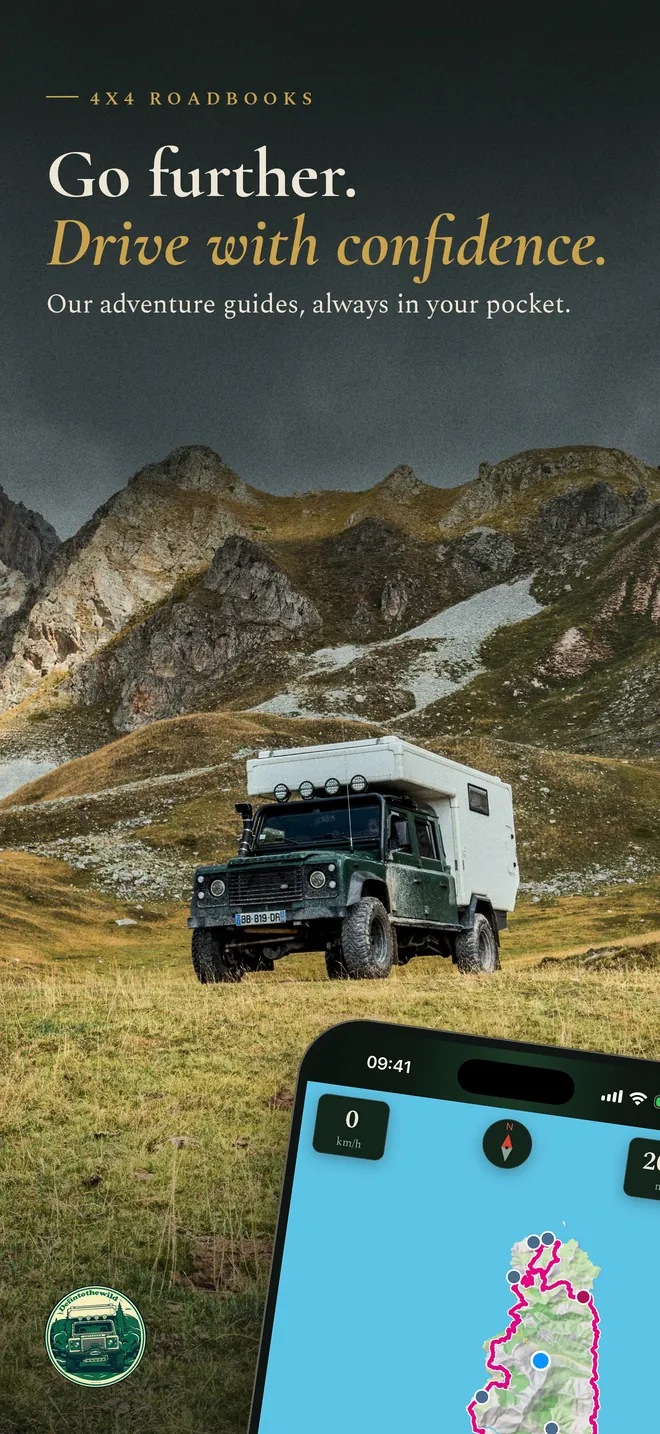
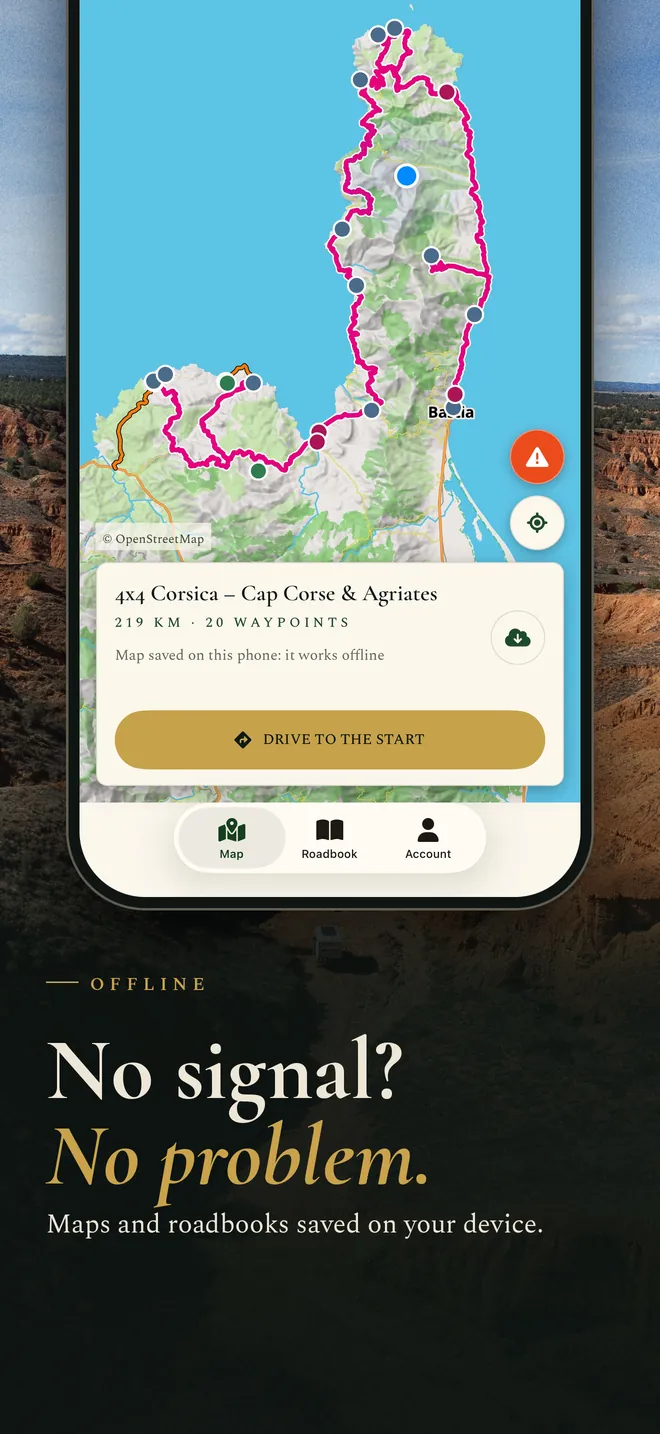
What you get in our offline navigation app
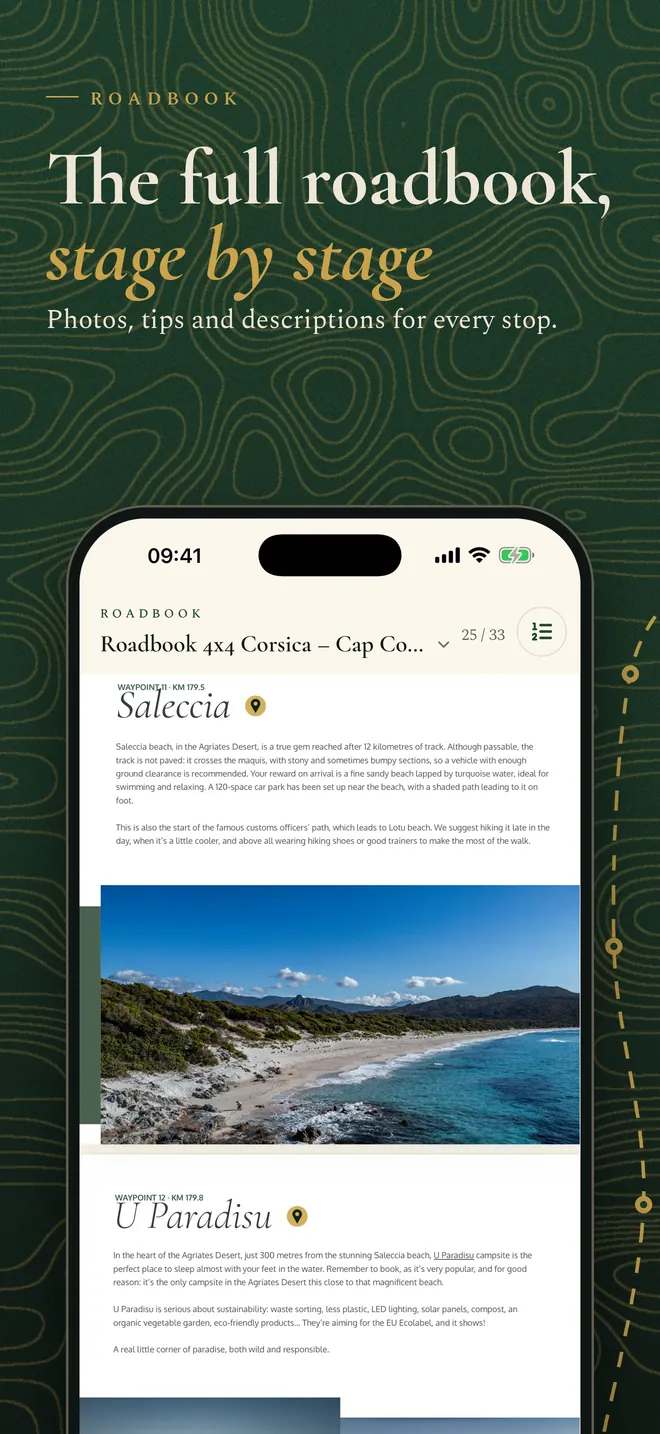
The roadbook, stage by stage
Every stage told with distances, photos and our field advice.
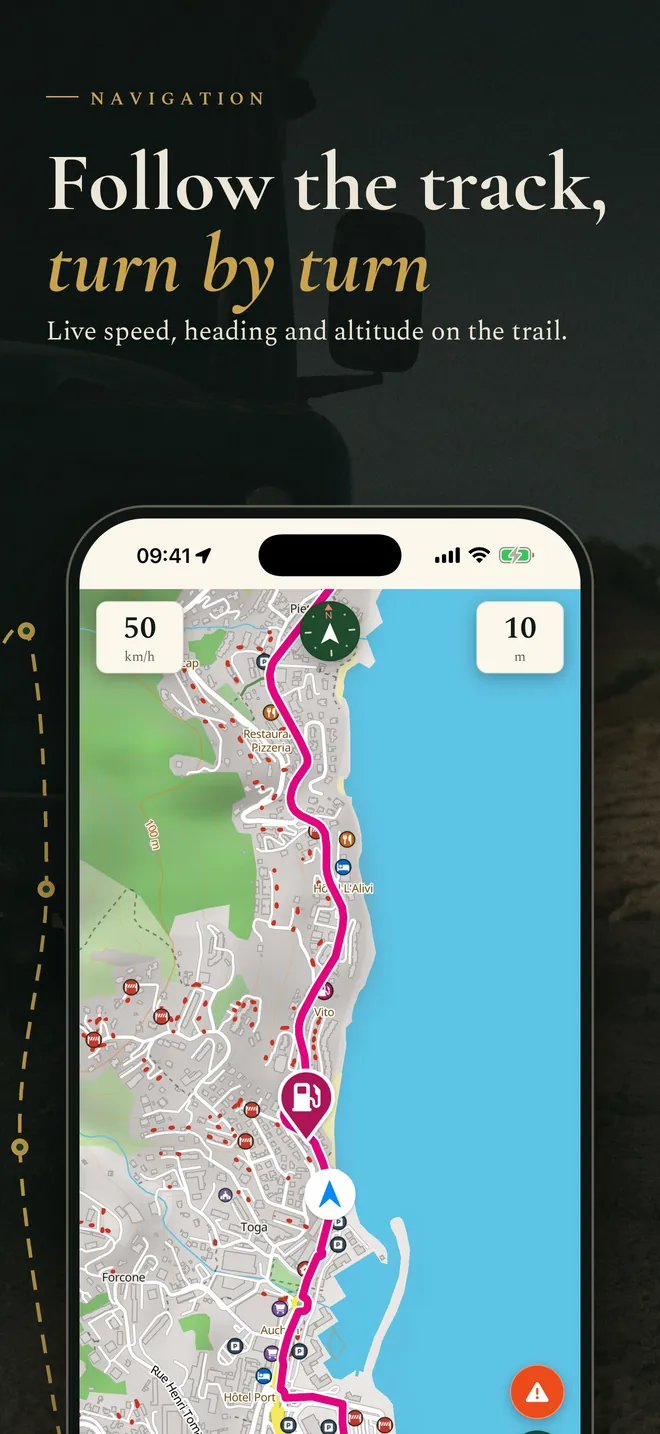
The track, turn by turn
Your live position on the map, so you stay on the right path, even on the most remote off road trails.
Even with no signal
Download the roadbook and the map before you leave, then everything works offline.
The essential waypoints
Bivouacs, viewpoints, tricky sections, resupply points: it’s all on the map.
Built on board the Defender, by travellers for travellers
I’m a web and mobile engineer, and I developed this offline navigation app from our Defender, between two trails. We wanted an app that felt like us: simple, reliable in the middle of nowhere, and designed by travellers for travellers. It took me a year of work, from the first line of code to the release on the stores, with my studio sbto.studio.
And this is only the beginning: the app will keep evolving over time, we have so many ideas! There’s no anonymous help desk behind the screen: there’s me, Julien and Pixie. When you write to me, I’m the one who answers.
Got an idea? Tell me everything
A feature you’re missing, some info that would help you on the trail? Write to me: it could help the whole community.
Already ordered a roadbook?
Good news: all your roadbooks are already waiting for you in our offline navigation app. There’s nothing to buy again, and you won’t spend a single cent more.
Download the app
It’s free on the App Store and Google Play.
Enter your email
Use the email address you gave when you ordered on our website.
Get your login details
Your login details are sent to you by email.
Find your roadbooks
Every roadbook you’ve bought is in your account, ready to download for the trip.
Nothing after a few minutes? Check your spam folder, then write to me: I’ll help you.
New order: how it works
Choose your roadbook
In our shop, among our off road trails in Europe and Morocco.
Get your email
As soon as your order is confirmed, you receive an email with a PDF attached: your login email and a temporary password.
Sign in
The first time you sign in, you choose your own password. The roadbook is waiting in your account.
Set off
Download the roadbook and the map before you leave, and follow the track even with no signal.
With your order, I also send you a full tutorial for the app.
See our roadbooksDownload the offline navigation app
Free on iPhone, iPad and Android. Install it now: it will be ready for your next trip.
Questions about our offline navigation app
Is the DefIntoTheWild app free?
Yes. Our offline navigation app is free on iPhone, iPad and Android. You only pay for the roadbooks you choose in our shop.
I bought a roadbook before the app came out. Do I have to pay again?
Of course not! Download the app, enter the email address from your order, and your login details are sent to you. You’ll find all your roadbooks in your account, without spending a single cent more.
Which email address should I use?
The one you gave when you ordered on our website. It’s what links your roadbooks to your account.
I haven’t received my login details. What should I do?
Check your spam folder. If the email isn’t there, write to me from the contact page with the address you used for your order: I’ll help you quickly.
Does the offline navigation app really work without signal?
Yes. Before you leave, you download the roadbook and the offline map. After that, the track, your position and the waypoints stay available, even at the bottom of a valley with no coverage.
Which devices can I use it on?
iPhone, iPad, and Android phones and tablets. You sign in with the same account on each of your devices.
Who built the offline navigation app?
Me, Sophie, a web and mobile engineer, with my studio sbto.studio. I built it on board our Defender, over a year of work, for our own trips with Julien and Pixie. If you have a question or an idea, I’m the one who answers.
How do I add a new roadbook?
Order it in our shop. As soon as your order is confirmed, it appears in your account, next to the ones you already have.
Ready for the next trail?
Choose your route, download the app, and the off road trails are waiting. Maybe we’ll cross paths out there.